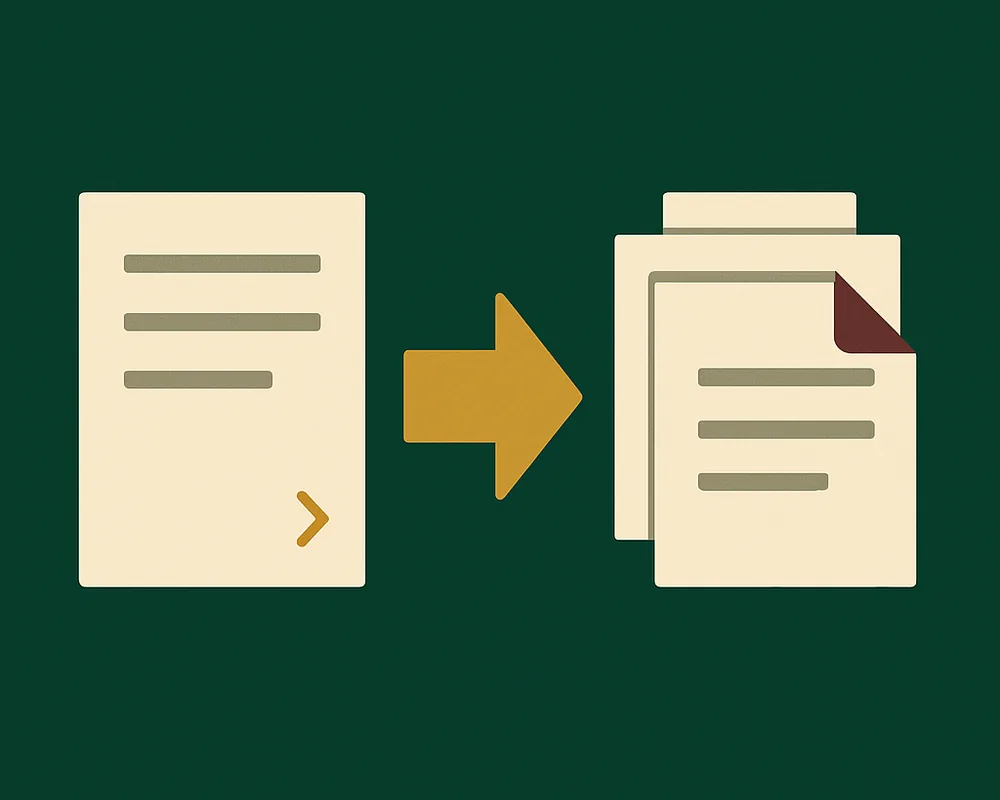
DOCX to PDF demo
Edit a DOCX document, generate a PDF preview, and download the result.
Run the example
From the repository root, run:
bun install
bun run dev:pdf
Open http://127.0.0.1:5180.
Use the demo
The sample document opens with its PDF preview. The build converts the sample once, so the page shows it without a conversion request. If the build cannot convert it, the page converts the sample when it loads.
Select Open DOCX to load a file up to 20 MiB. The conversion starts when the document opens. Select Download PDF to save the result. When you edit the document, the preview is grayed out. Select Regenerate PDF to update it. Reset restores the sample.
The demo uses best-effort conversion. Unsupported content and font substitutions appear as diagnostics below the preview. Expand the diagnostics to see the affected pages.
Progress updates distinguish worker startup from PDF generation. The preview footer shows the completed timings.
Configure the server
The Node.js server hosts the UI and /api/convert on the loopback interface. Set PORT to change the default port, 5180.
Each conversion runs in a worker with a 60-second deadline and a 512 MiB heap limit. Set WORKER_HEAP_MB to change the heap limit. The server accepts one conversion at a time and returns HTTP 503 while busy. Requests are limited to 20 MiB. If a worker exceeds its heap limit, the server reports a memory-limit error.
Uploads and generated PDFs stay in memory for the request. Cancellation terminates the conversion worker.
The hosted demo uses a server function with the same upload limit and deadline. It allows one conversion per instance and uses the function's memory limit. Requests must include an Origin header that matches the host. The local server also accepts requests without Origin for command-line use.
Run a production build
From the repository root, run:
bun run build:pdf
bun run --filter './examples/docx-to-pdf' build
bun run --filter './examples/docx-to-pdf' start
For conversion options and supported content, see the package README.
Next steps
- Follow the quickstart to load, edit, and save a document in your own app.
- Read installation options for framework-specific setup.
This page renders the example’s README from eigenpal/docx-editor at release v2.22.0. Read it in the repository for the version you have checked out.