Server-backed DOCX collaboration
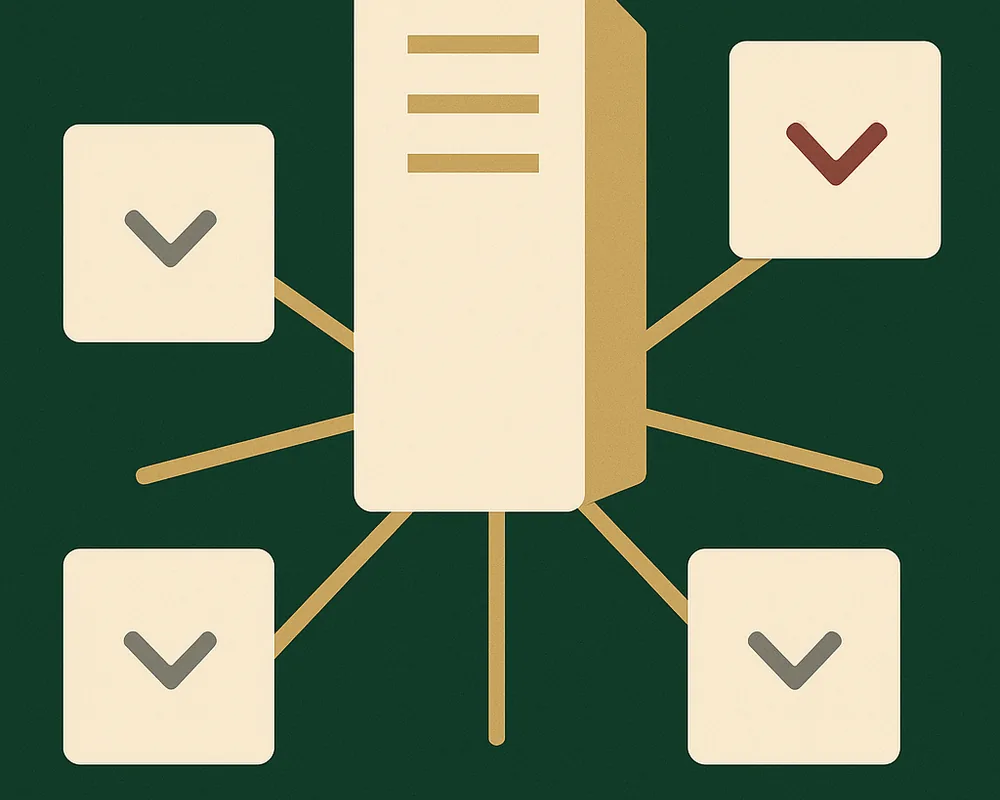
This example connects a React editor to a Hocuspocus collaboration server. Remote carets show each person's name and avatar.
The example has two parts:
server/server.tsauthenticates connections and stores rooms.src/joins a room withuseHocuspocusCollaboration.
Run the example
Use Node.js 22.18 or later for the server. Hocuspocus v4 targets Node, and Node runs the TypeScript server with type stripping.
Install and build from the repository root:
bun install
bun run build:packages
Start the server in the first terminal:
bun run dev:collaboration-hocuspocus:server
Start the app in the second terminal:
bun run dev:collaboration-hocuspocus
The server uses ws://127.0.0.1:1234. Open the app at http://localhost:5176.
- Choose a seat in the first browser.
- Select the room ID to copy the invite link.
- Open the link in a private window or another browser profile.
- Choose a different seat, and edit in both windows.
Configure the connection
The default shared token is demo-token. Set matching server and client values when you change it.
PORTsets the Hocuspocus server port.COLLAB_TOKENsets the server token.VITE_COLLAB_URLsets the WebSocket URL for the app.VITE_COLLAB_TOKENsets the token that the app sends.
The app wraps the token in this demo's JSON authentication envelope:
{ token, collaborationVersion: COLLABORATION_FORMAT_VERSION }
shared/admission.ts creates and validates that envelope. In onAuthenticate, the server checks the secret and calls assertCollaborationFormatCompatibility(collaborationVersion) before Hocuspocus allows synchronization. Import the version from the installed package; transmit it unchanged. Missing, malformed, and incompatible versions are refused. The example also accepts compatible clients using its previous versions envelope. Pass the encoded string as token, or return it from a callback to refresh credentials on reconnection.
These self-reported versions prevent accidental connections between incompatible builds. They do not prove which code a client runs. A production server should verify a signed token, derive identity and room permissions from it, and enforce its deployment policy separately.
Store and export rooms
The server stores rooms in server/.data/. It reads each .ydoc file when a room opens. It also exports a .docx file beside each Yjs document. Before admitting a saved snapshot, server/stored-room.ts checks its version with readCollaborationFormatVersion and assertCollaborationFormatCompatibility in a temporary document. It then validates the compatible document with readCollaborationDocument. The server rejects incompatible or invalid snapshots before loading them into the live room. Compatible clients cannot upgrade saved room data.
Replace onLoadDocument and onStoreDocument when you need database or object storage.
Recover after a version mismatch
Preserve local and offline edits before reloading browser tabs. Upgrade the app, room server, and export workers together. The server rejects incompatible clients before synchronization.
For saved rooms and offline work, follow the collaboration upgrade guide. Pause editing and preserve pending work before exporting with the compatible previous build. Verify the DOCX, then create a replacement room. Collaboration undo history starts afresh.
This demo does not automatically migrate or delete incompatible rooms. Its sample app seeds rooms from DOCUMENT_URL; change that source to the verified DOCX for the replacement room. Keep the old room and its backups until you accept the migration.
Check admission and recovery
Run the example tests from the repository root:
bun run --filter docx-editor-example-collaboration-hocuspocus test
The tests exercise admission and saved-room refusal without starting a server. They cover matching, missing, older, future, and malformed version claims; incorrect secrets; and preservation of live state when a saved room is refused.
Hocuspocus stores room snapshots. readCollaborationDocument exports a room to DOCX.
Customize people and carets
src/people.ts defines each person's ID, name, color, and local avatar URL. The app uses this record for carets, the room bar, and comment cards under the EigenPal Pro License.
Presence sends an actor ID, display name, and color. Each replica resolves the avatar locally through DocxEditor.AuthorStyle. The demo serves its avatar files from public/avatars/.
An actorId identifies one editor attachment, not one person. The same person in two tabs has two actor IDs. The DOCX stores comment authors as w:author, not as actor IDs.
DocxEditorCollaboration.CaretLabels renders custom labels inside the React tree. Removing it restores the standard name labels. Caret labels use aria-hidden and do not accept pointer events.
Close carets can produce overlapping labels. The editor does not apply collision avoidance.
Next steps
- Follow the quickstart to load, edit, and save a document in your own app.
- Read installation options for framework-specific setup.
This page renders the example’s README from eigenpal/docx-editor at release v2.34.0. Read it in the repository for the version you have checked out.