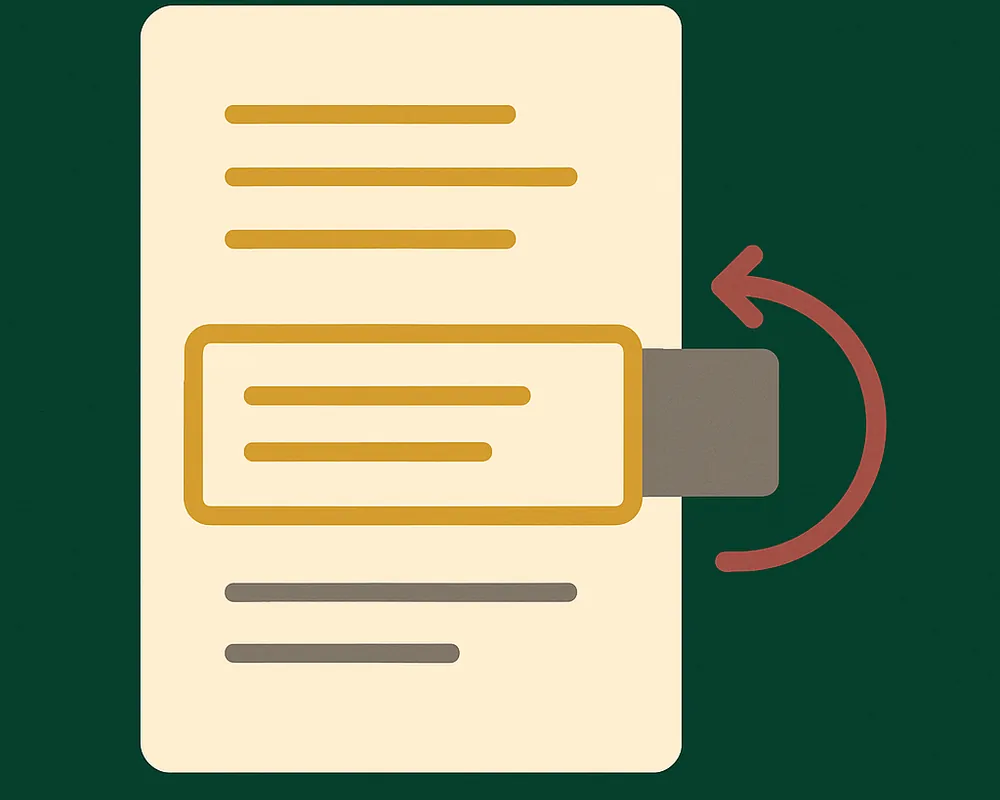
DOCX document refresh example
Receive an updated DOCX from a mock server without replacing the open editor. Keep scroll position or navigate to a change with temporary highlights.
Run the example
From the repository root, run:
bun install
bun run build:packages
bun run dev:refresh
Open http://localhost:5177.
Try it
- Scroll the document and select Simulate server updates. The editor keeps your scroll position.
- Reset the example, enable Scroll to the change after the update, and request an update. The changed paragraph gets a temporary highlight.
- Reset again and type during server processing. The editor refuses the returned file and preserves your local edit.
How it works
The client captures the open document, requests a result, and calls refresh.applyUpdate(). The server returns a complete DOCX and the changed text location. Highlights fade in and disappear after three seconds.
The mock generates two fixed sample files. It does not edit uploaded files. If you edit the sample, reset it before another request. A production processor can receive submission.bytes and modify that document.
Each accepted replacement resets selection and undo history. Document refresh does not merge concurrent edits or watch a file URL.
For options and failure handling, see Document refresh API.
Next steps
- Follow the quickstart to load, edit, and save a document in your own app.
- Read installation options for framework-specific setup.
This page renders the example’s README from eigenpal/docx-editor at release v2.22.0. Read it in the repository for the version you have checked out.