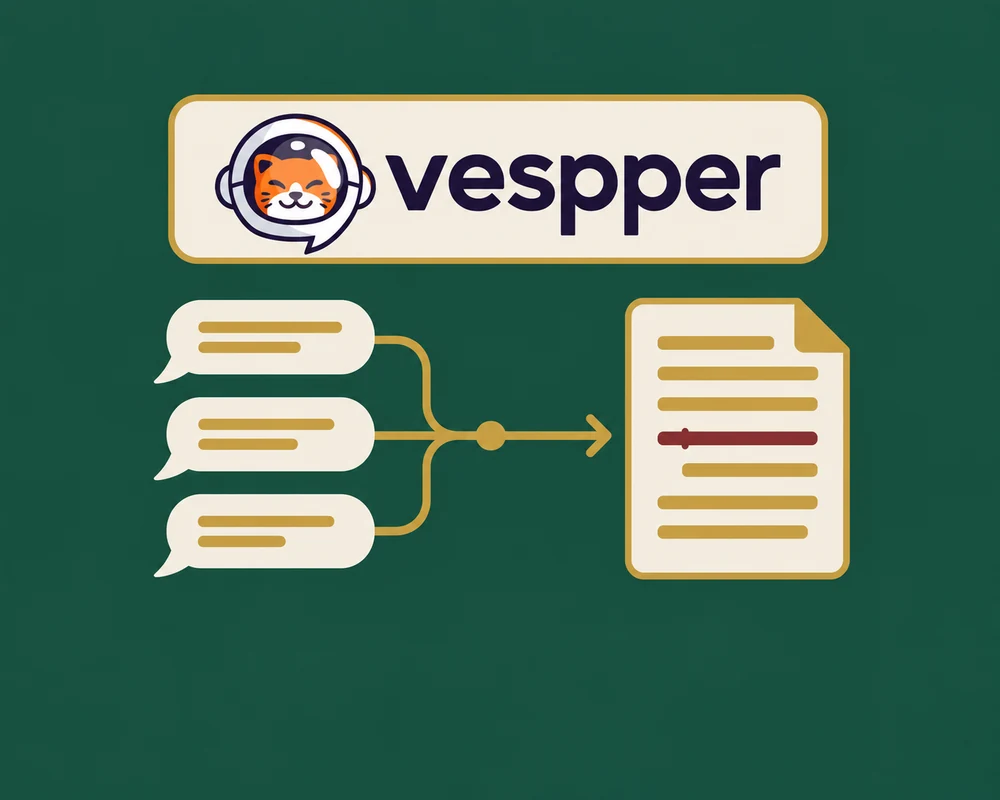
Edit DOCX files with Vespper MCP
Add AI-powered DOCX editing to your product with Vespper MCP and the EigenPal DOCX editor. Let agents apply edits directly or propose tracked changes for review.
We've partnered with Vespper to make it easy to add AI-powered Word document editing to your product. Vespper's MCP lets AI agents edit DOCX files, with leading results in its DOCX editing benchmark. Paired with the EigenPal DOCX editor, agents can apply edits directly or propose them as tracked changes for users to review and accept—all within your app.
The integration example shows how the two products work together in a browser app.
You can choose a model, include selected text in a prompt, and paste images into the chat.
Watch the workflow
Watch on YouTube or browse the source.
Edit and review in one place
Ask for an edit in chat and let the agent apply it directly or propose it as tracked changes. With tracked changes, users can inspect each revision in context and accept or reject it.
Vespper MCP handles the document edits. The EigenPal DOCX editor's document refresh API brings updates into the open document while preserving your scroll position. For edits proposed as tracked changes, the Pro review module lets users review and accept or reject each revision.
Try the integration
The example repository includes the browser app, server, and setup instructions. You need Node.js 22.13 or later, a Vespper API key, and an API key from a supported model provider.
Open a DOCX file and try a request such as “Shorten the introduction while keeping the technical details.” Apply the edit directly or review it as tracked changes in the document.
The example is MIT-licensed. Tracked-change review uses EigenPal Pro; see the licensing requirements before deploying it.
For setup details, see Vespper's integration guide.